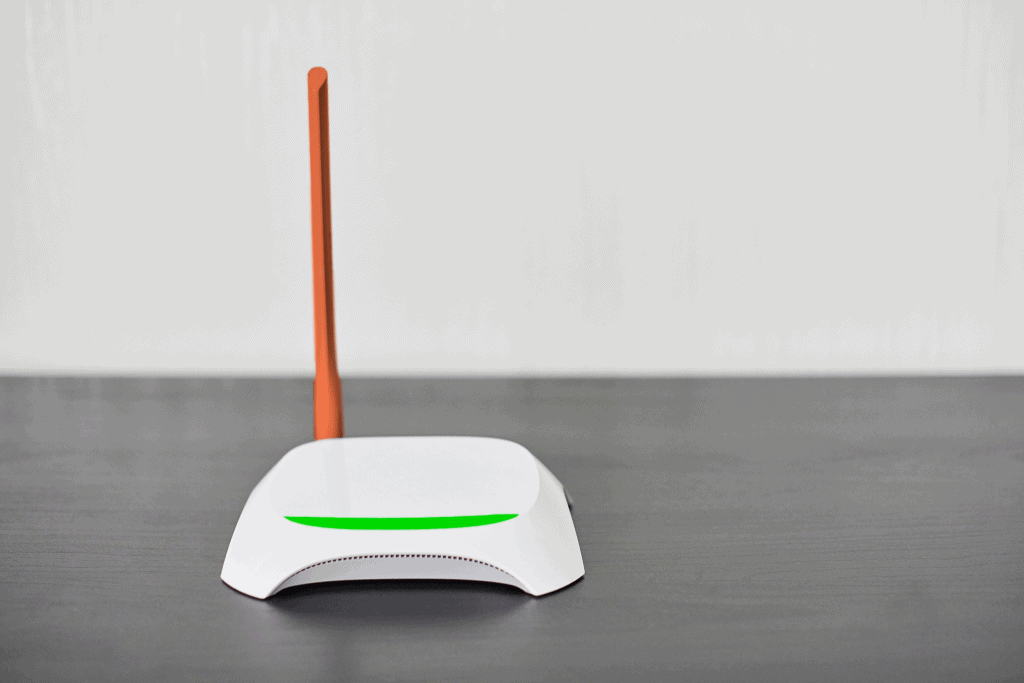
Gone is dial-up internet and hard copy DVDs. We no longer have to commute to work, and if your child can’t go to school due to illness, they can keep learning from home. Thanks to the magic of fast Wi-Fi.
We use the internet for almost everything, from earning a living working from home to providing online learning for our children, not to mention streaming, gaming, Facetiming, and more. Because the internet has become such an essential part of our lives, it’s vital to have good Wi-Fi performance that can support multiple devices Zooming, streaming, slacking, and Netflixing all at the same time.
While most traditional Wi-Fi routers are suitable for the average home, if your house is very large or very old with thick plaster walls, you may find that your standard router provides spotty coverage in areas furthest from the source. In this case, a mesh Wi-Fi system could be the solution.
What Is a Mesh Wi-Fi System?
A mesh Wi-Fi system consists of two parts. First, the main router behaves precisely like a traditional router. It receives internet access from the modem and broadcasts the internet as part of a Wi-Fi network.
The second part of a mesh Wi-Fi system is the additional routers, or nodes, that connect to the main access point wirelessly. The nodes don’t require an ethernet cord to connect, and you only need access to a plug to power the device. Once the node is connected to the main router, it will amplify or repeat the Wi-Fi signal to the furthest areas of your home. All nodes communicate with each other, and your device will automatically connect to the node with the strongest signal.
Mesh Wi-Fi systems do not act like range extenders, which each have a separate Wi-Fi network, and require your device to switch between networks. Instead, mesh Wi-Fi nodes all share the same network, preventing your device from hanging as it changes from node to node. As a result, it is a seamless, fast, easy-to-set-up experience.
Intrigued?
Top Benefits of Mesh Wi-Fi
While mesh Wi-Fi is intriguing, where it stands out from a traditional router or router and range extender is its functionality and features. Here are the top qualities of a mesh Wi-Fi system and what you should consider when choosing your mesh Wi-Fi system.
- Security: Most mesh Wi-Fi systems come with an app that makes it easy to monitor your network and its security. Configure guest networks, see all connected devices, and even remove access to specific devices, all from your phone.
- The number of nodes: Most mesh Wi-Fi systems come with one or two nodes covering between 3,000 and 4,000 square feet. If you need more converge, you can add additional nodes at an extra cost.
- Anti-malware: Some mesh Wi-Fi (but not all) systems have antivirus and anti-malware software. Some systems have this option built-in, while others require you to pay an extra monthly fee.
- Parental Controls: Instead of juggling parental controls on every device, you can control what your children access at the source, on a device or profile basis.
- LAN wired ports: There are some cases where a wired connection is always preferable, like internet gaming. In this case, choose a mesh Wi-Fi system with enough LAN wired ports to support your gaming needs.
- Number of Bands: Most mesh Wi-Fi systems use 2.4GHz and 5GHz frequencies. Some offer an extra band (called tri-band) or four bands (Quad-band). Generally, the more bands, the better, and the tri-band is optimal.
- Price: The price of mesh Wi-Fi has significantly decreased in recent years. Expect to pay between $200 and $400 for the basic kit and an extra cost for additional nodes.
- Extras: Many tech companies are jumping into the mesh Wi-Fi arena, and most are differentiating themselves with unique additions like Google speaker functionality, nightlight capability, and more.
Our Picks for the Best Mesh Wi-Fi Systems
Not every mesh Wi-Fi system is created equally. Here are our choices for the best systems based on your unique needs.
Best for Wifi 6: Netgear Orbi6
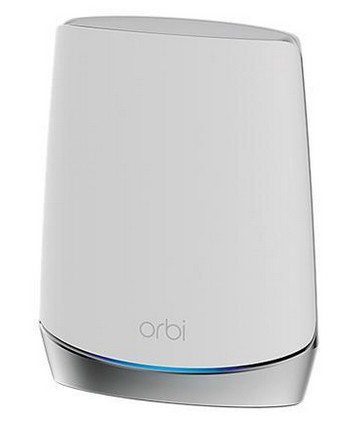
- Nodes: 2 points (additional at extra cost)
- Coverage: 7,000 square feet
- Price: $799
- Buy from: Newegg.ca
- Band: Tri-band
- Wi-Fi 6: Yes
- Wired LAN ports: 3
- Smart System: Google Assistant and Amazon Alexa
- Parental Controls: Yes, but some require a subscription
Best for Parental Controls: Google Nest Wi-Fi
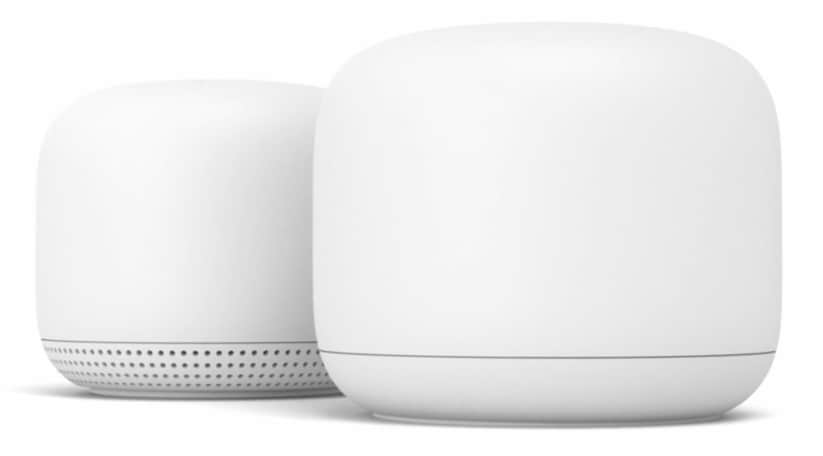
- Nodes: 2 (additional at extra cost)
- Coverage: 3,800 square feet
- Price: $349
- Buy from: Google Store
- Band: Dual-band
- Wi-Fi 6: No
- Wired LAN ports: 2
- Smart System: Google Assistant
- Parental Controls: Yes, included
- Extras: Each point is a speaker equipped with Google Assistant
Best Cost-Effective System: TP-Link AX3000 Whole Home WiFi 6 Mesh WiFi System
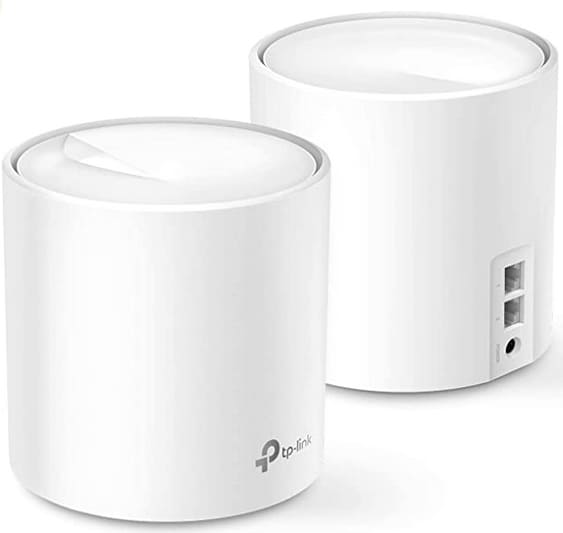
- Nodes: 2 points
- Coverage: 5,000 square feet
- Price: $269
- Buy from: Amazon.ca
- Band: Dual-band
- Wi-Fi 6: Yes
- Wired LAN ports: 2 per node
- Smart System: Amazon Alexa
- Parental Controls: Yes, included with purchase
- Extras: Free, lifetime subscription to HomeCare is included with purchase, allows for parental controls and Antivirus
Best for Ultra Large Homes: TP-Link Deco X90
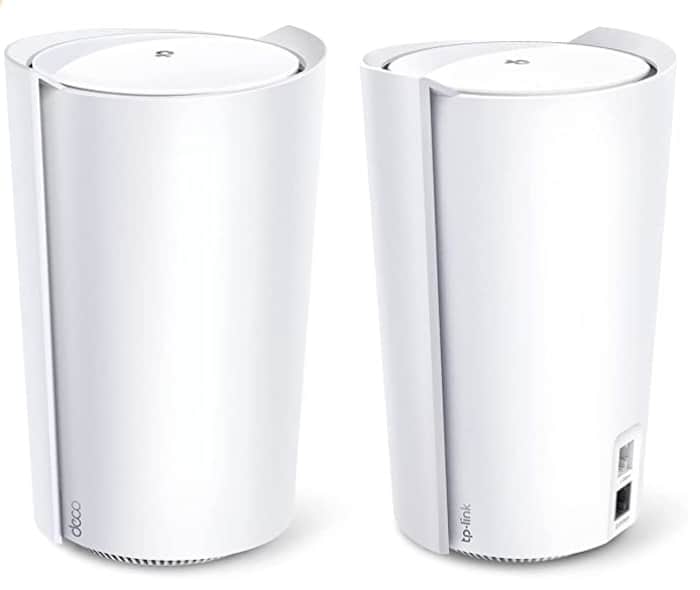
- Nodes: 2 points
- Coverage: 6,000 square feet
- Price: $499
- Buy from: Best Buy
- Band: Tri-Band
- Wi-Fi 6: Yes
- Wired LAN ports: 2
- Smart System: No
- Parental Controls: Yes, for a fee
- Extras: Equipped with AI-driven mesh to learn your network and usage
Best User-Friendly Interface: Eero 6
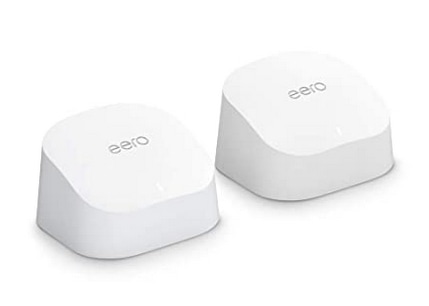
- Nodes: 1 point (additional available at extra charge)
- Coverage: 3,000 square feet
- Price: $279
- Buy from: Amazon.ca
- Band: Tri-band
- Wi-Fi 6: Yes
- Wired LAN ports: 2
- Smart System: Alexa, Amazon Home, Zigbee
- Parental Controls: Yes for a fee
- Extras: Nodes have auto daylight sensing nightlight mode
Are the Best Mesh WI-FI Systems Worth It?
If you have a modestly sized home and your existing Wi-Fi router has always met your needs, it may not be worthwhile to invest in a mesh Wi-Fi system. But if your home has Wi-Fi dead spots, a lack of parental controls, frequent guests, or major lagging, hanging, and dropping issues, investing in a mesh Wi-Fi system could solve your problems.